Shared trading
Let one person trade, but many people contribute and withdraw any time they want
Screenshots
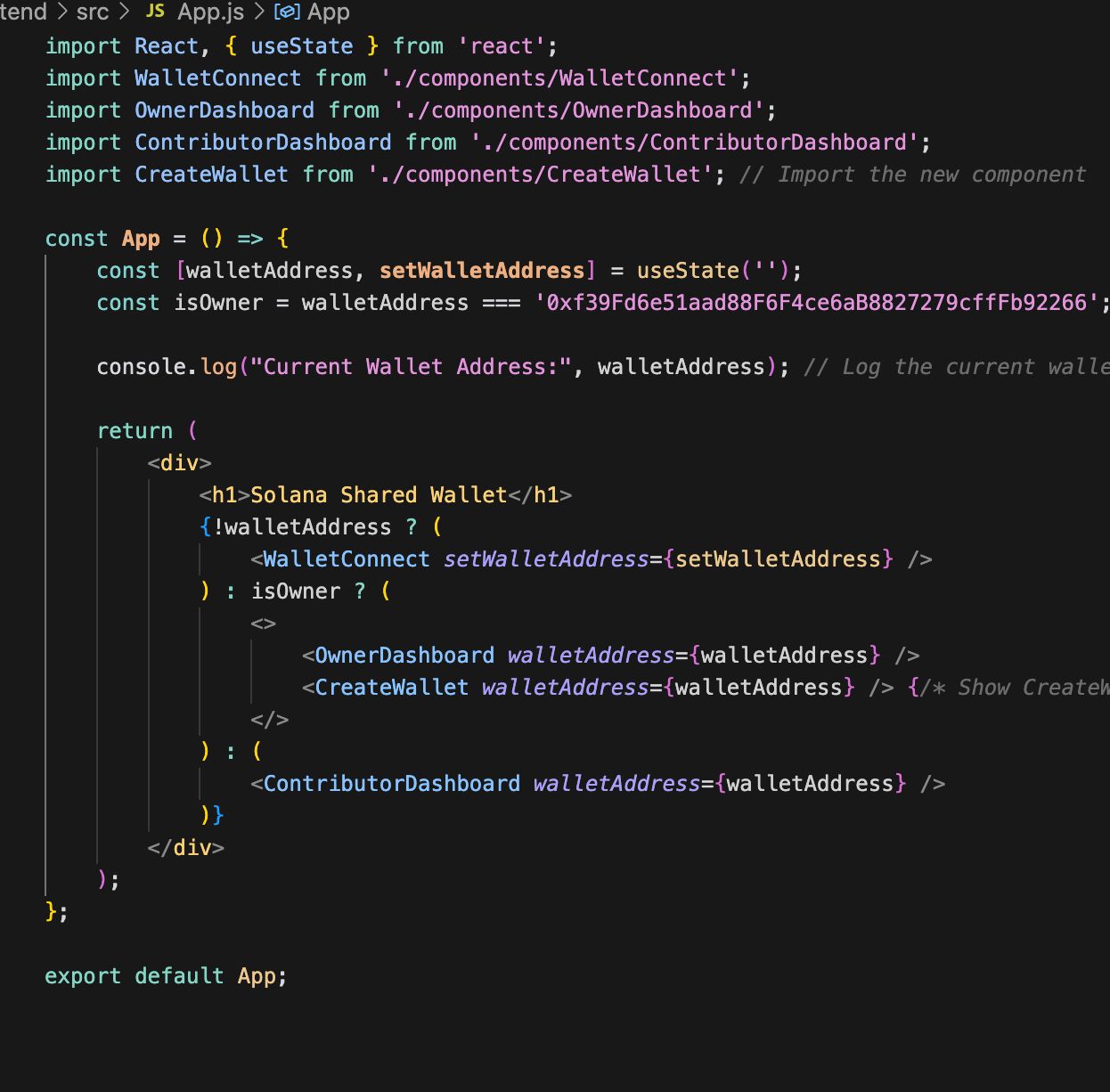
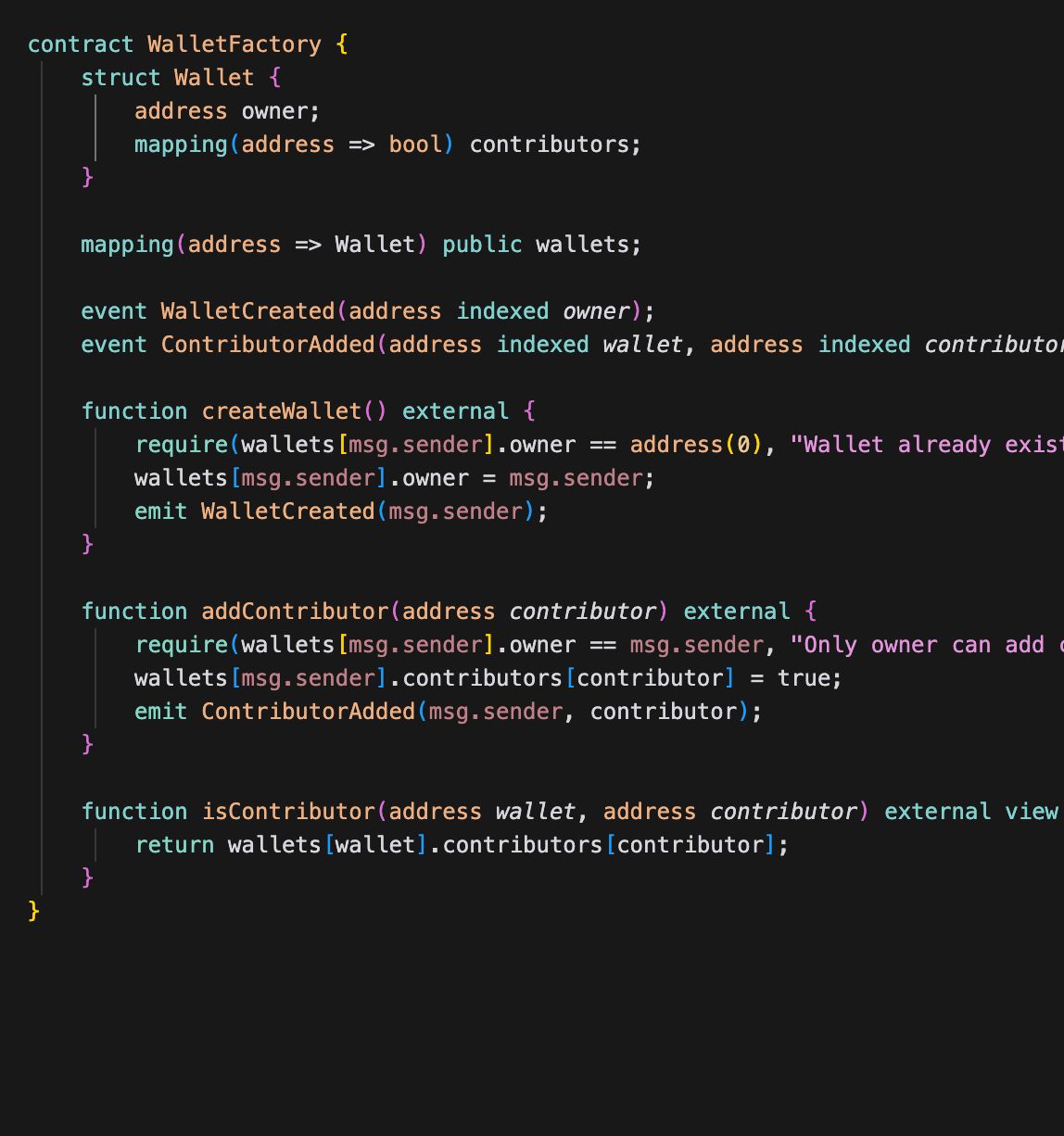
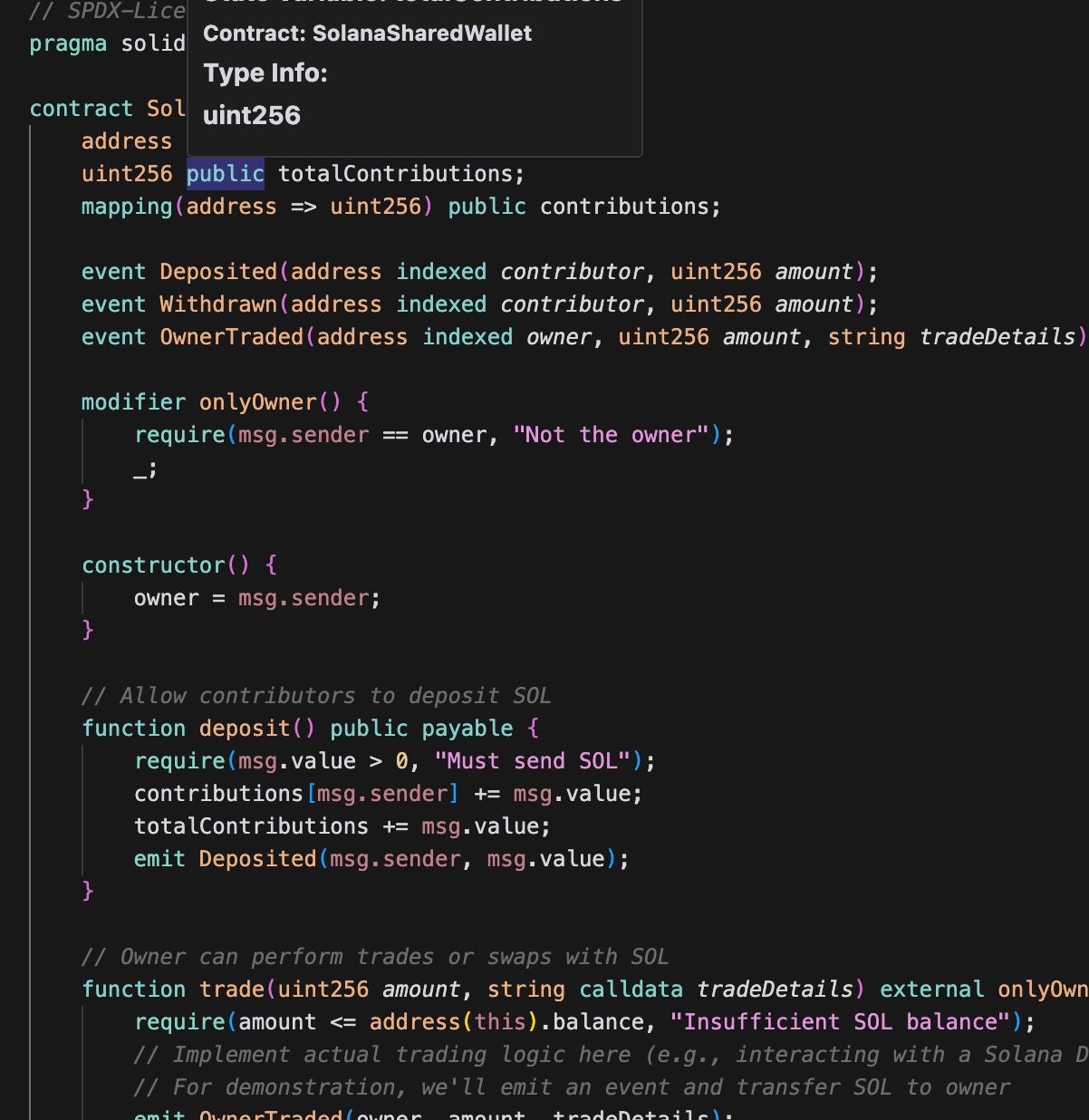
Problem Statement
Only got part of the project complete this hackathon!Getting StartedPrerequisitesNode.js (v14 or later)npm (Node Package Manager)MetaMask or another Ethereum-compatible walletInstallationClone the Repository:git clone https://github.com/yourusername/solana-shared-wallet.git cd solana-shared-walletSet Up the Backend:Navigate to the backend directory and install dependencies:cd backend npm installCreate a.envfile in thebackenddirectory with the following content:PRIVATE_KEY=your_private_key_without_0x NEON_TESTNET_RPC_URL=https://proxy.testnet.neonlabs.org/solana NEON_API_KEY=your_neon_api_key ETHERSCAN_API_KEY=your_etherscan_api_keyCompile and Deploy Contracts:Compile the smart contracts:npx hardhat compileDeploy the contracts:npx hardhat run scripts/deploySolanaSharedWallet.js --network neonTestnet npx hardhat run scripts/deployWalletFactory.js --network neonTestnetSet Up the Frontend:Navigate to the frontend directory and install dependencies:cd ../frontend npm installRunning the ApplicationStart the React Application:npm startOpen Your Browser:Go tohttp://localhost:3000to access the application.UsageConnect Wallet:Click the "Connect Wallet" button to connect your Ethereum wallet.Create Wallet:After connecting, use the "Create Wallet" button to create a new wallet.Add Contributors:Enter contributor addresses to add them to your wallet.Trade:Use the Owner Dashboard to perform trades with the funds in your wallet.TestingThe backend includes tests for the smart contracts. You can run the tests using:
Solution
Neon VM to use EVM to deploy to Solana + a react app for interacting with the deployed contracts on the Neon VM testnet.Getting StartedPrerequisitesNode.js (v14 or later)npm (Node Package Manager)MetaMask or another Ethereum-compatible walletInstallationClone the Repository:git clone https://github.com/yourusername/solana-shared-wallet.git cd solana-shared-walletSet Up the Backend:Navigate to the backend directory and install dependencies:cd backend npm installCreate a.envfile in thebackenddirectory with the following content:PRIVATE_KEY=your_private_key_without_0x NEON_TESTNET_RPC_URL=https://proxy.testnet.neonlabs.org/solana NEON_API_KEY=your_neon_api_key ETHERSCAN_API_KEY=your_etherscan_api_keyCompile and Deploy Contracts:Compile the smart contracts:npx hardhat compileDeploy the contracts:npx hardhat run scripts/deploySolanaSharedWallet.js --network neonTestnet npx hardhat run scripts/deployWalletFactory.js --network neonTestnetSet Up the Frontend:Navigate to the frontend directory and install dependencies:cd ../frontend npm installRunning the ApplicationStart the React Application:npm startOpen Your Browser:Go tohttp://localhost:3000to access the application.UsageConnect Wallet:Click the "Connect Wallet" button to connect your Ethereum wallet.Create Wallet:After connecting, use the "Create Wallet" button to create a new wallet.Add Contributors:Enter contributor addresses to add them to your wallet.Trade:Use the Owner Dashboard to perform trades with the funds in your wallet.TestingThe backend includes tests for the smart contracts. You can run the tests using:
Hackathon
ETHGlobal San Francisco
2024
Contributors
- NathanMaton
4 contributions
